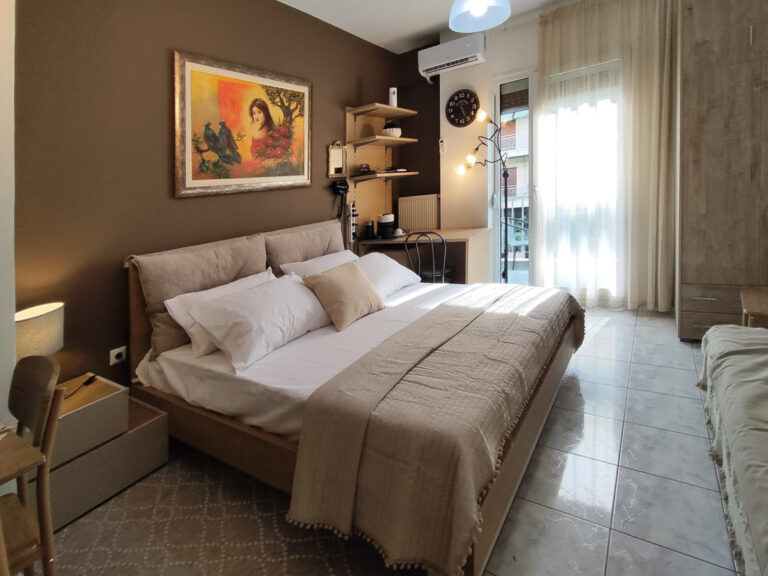
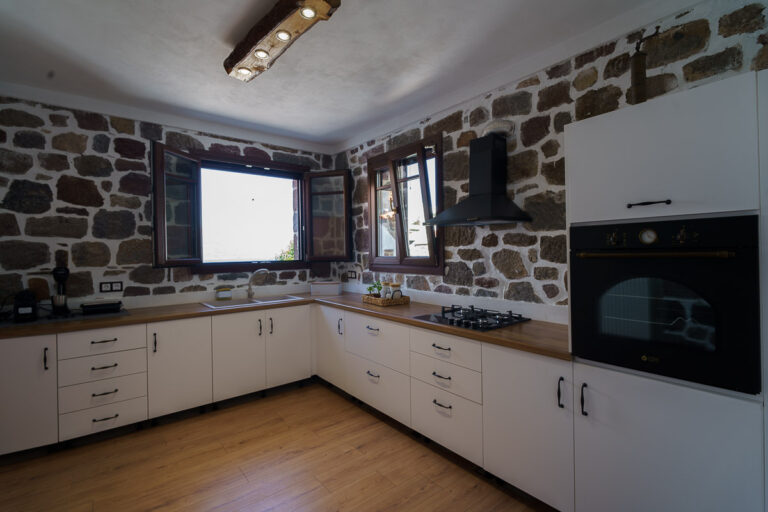
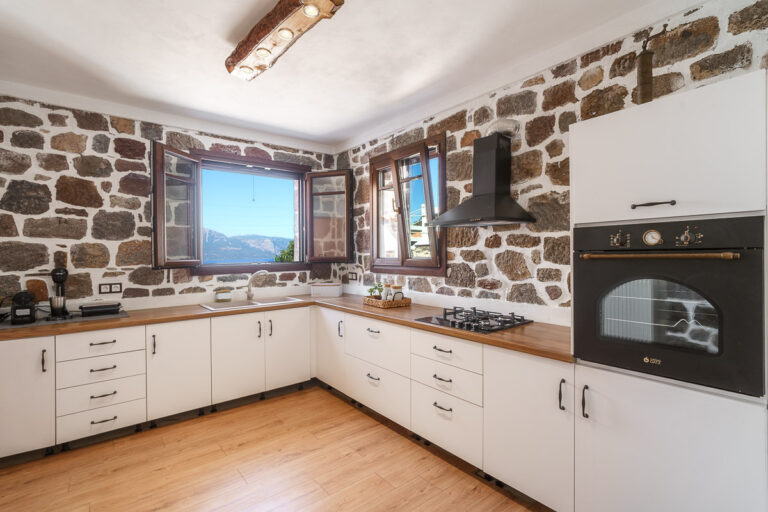
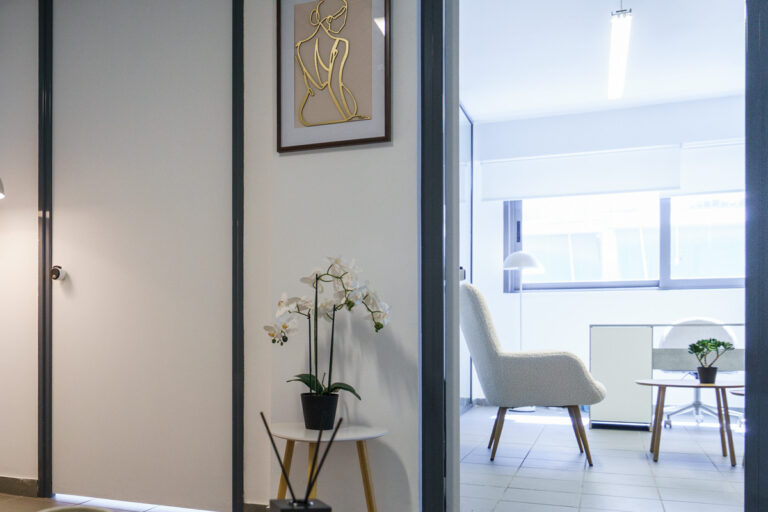
Basic or Specialised Real Estate Photo Editing: Which Should You Choose?
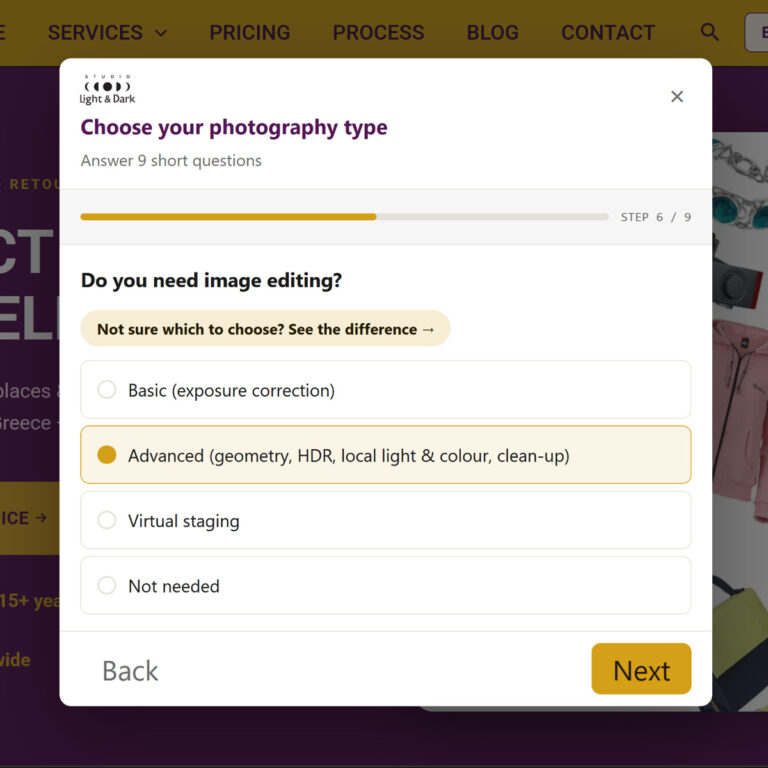
You fill in the price calculator for real estate photography and reach the question “Do you need image editing?”. Basic or specialised? If you are not a photographer, the difference may not be obvious. Here, we explain in simple terms what each option does, how the difference looks in the photos, and which one suits your property.
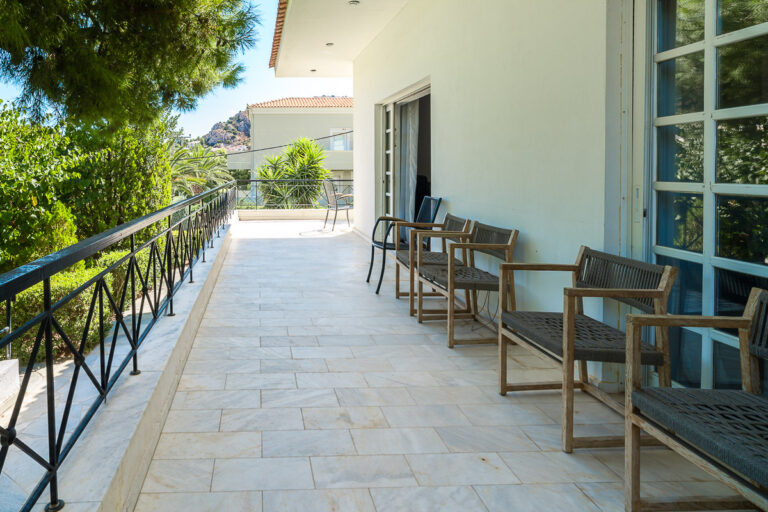
Basic editing: correct exposure, no retouching
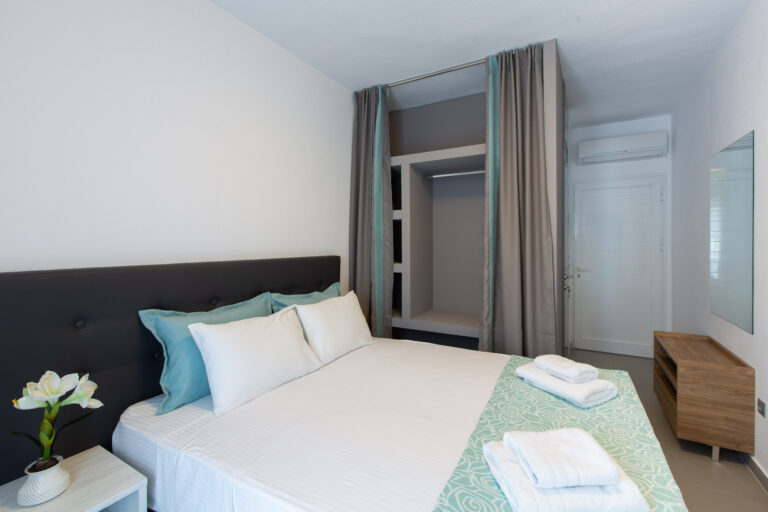
Basic editing brings the photograph to a correct, “normal” state:
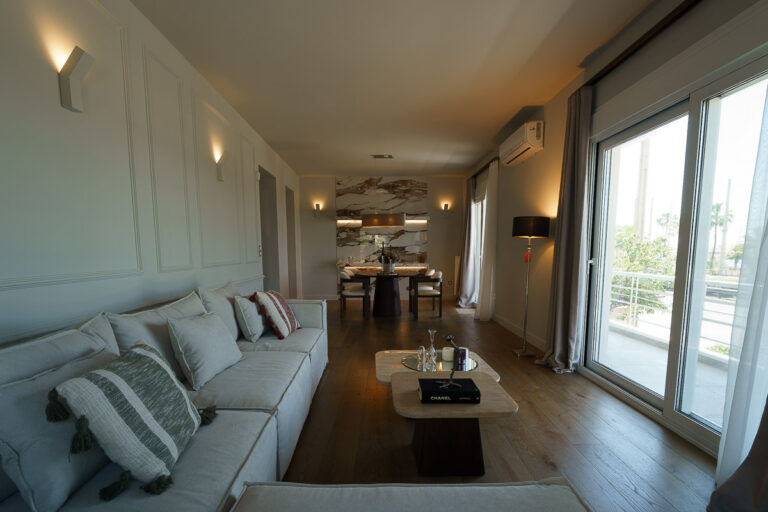
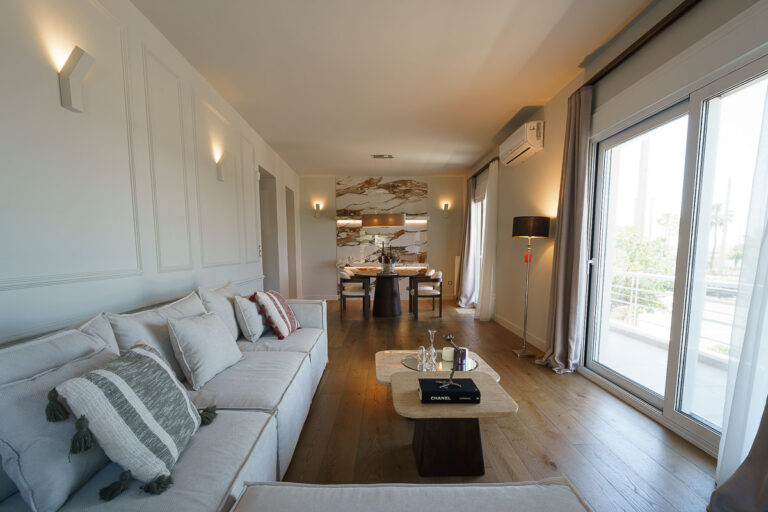
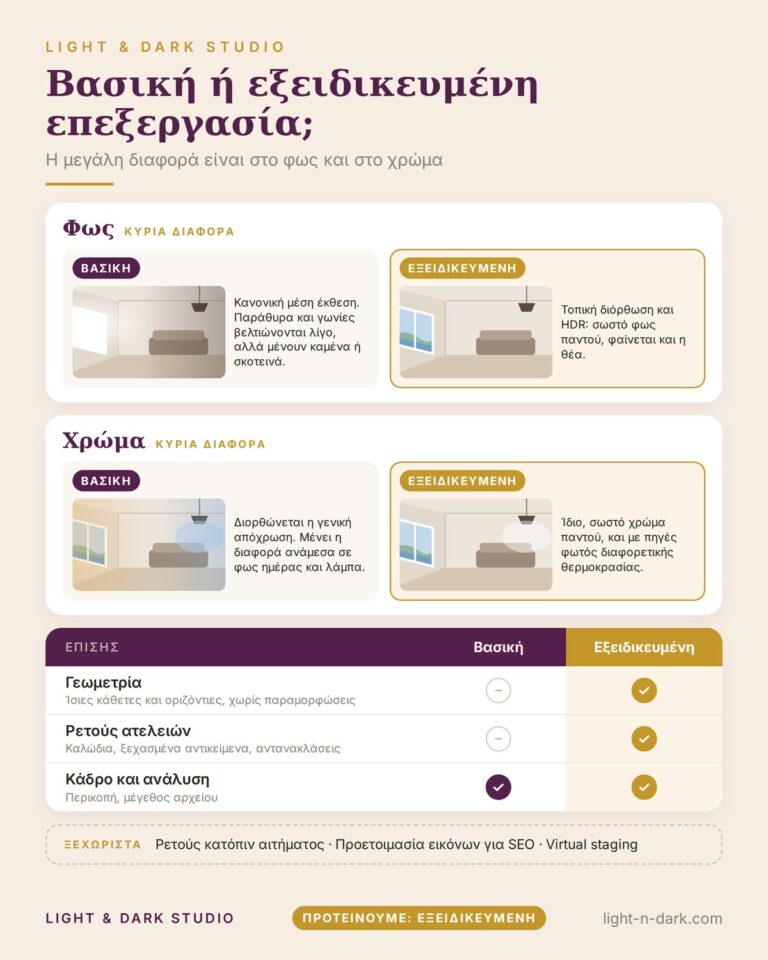
Exposure correction: we bring the overall brightness of the frame to a normal level. Very bright areas, such as windows, and very dark corners are improved slightly, but they may still remain blown out or dark.
White balance correction: the camera adjusts colours automatically and can sometimes shift the whole image towards a colour cast, making it look more yellow or more blue than it really is. We correct this overall cast.
Framing and size: where necessary, we crop the frame and change the file resolution.
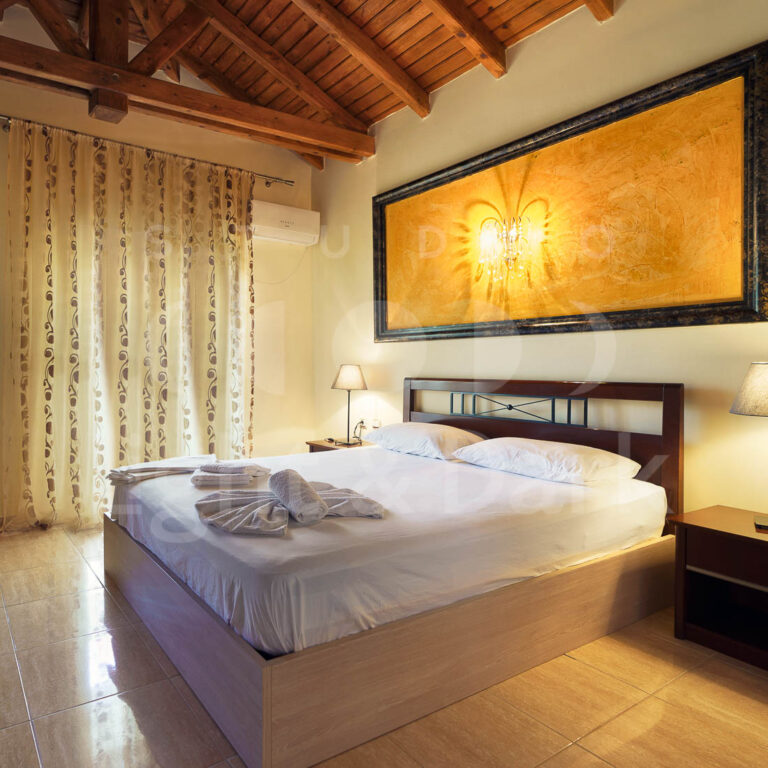
What it does not include: local corrections to individual areas, HDR, geometry correction, or any retouching. For example, a wall next to a window may be lit by daylight while a wall at the back is lit by a lamp. One appears warmer and the other cooler. Basic editing does not equalise this difference; only specialised editing does.
Specialised editing: every part of the frame
Specialised editing works on each photograph in depth, across four areas:
1. Geometry
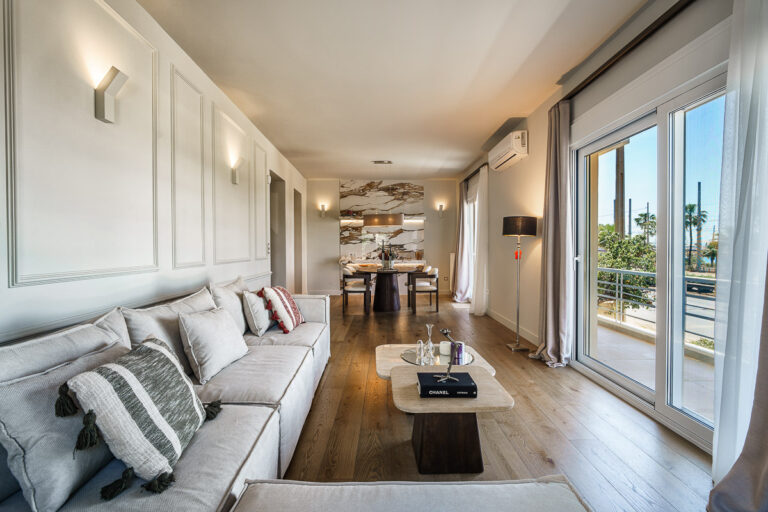
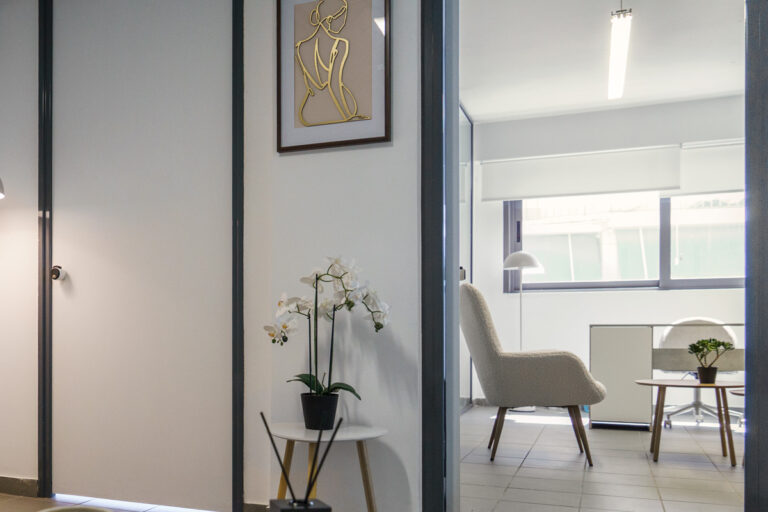
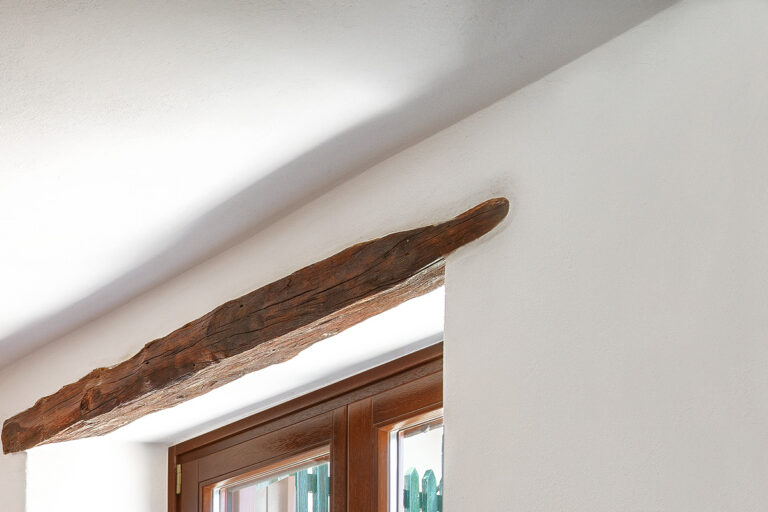
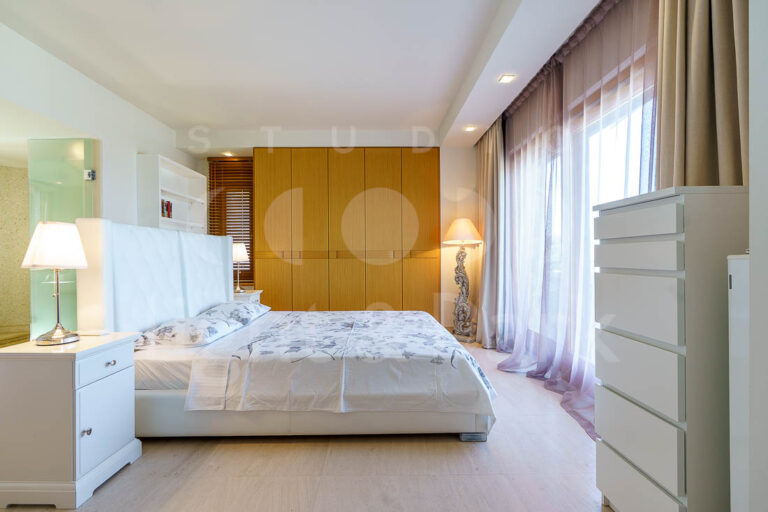
A wide-angle lens can “bend” lines: walls lean, doors look skewed, and the edges of the frame become distorted. We correct verticals, horizontals and lens distortion so that the space looks straight and stable.
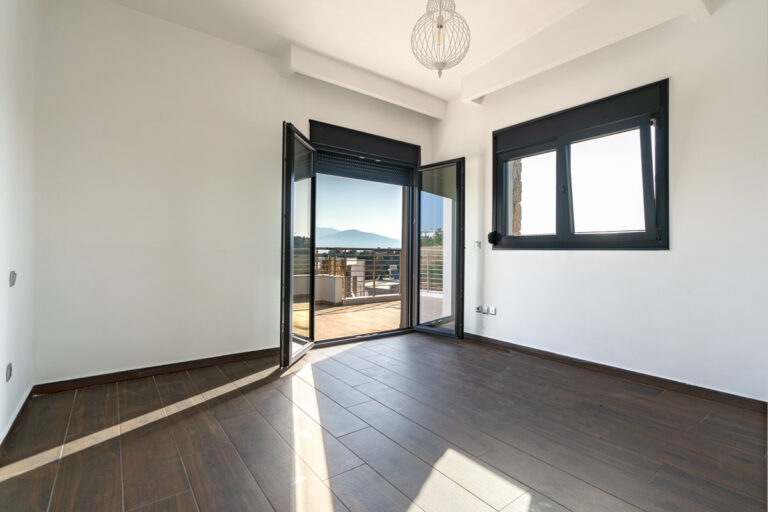
2. Complete lighting correction
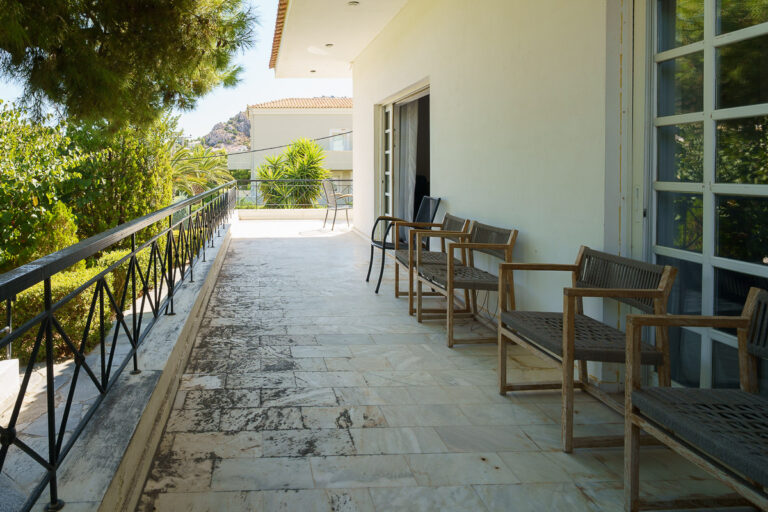
We also work locally, area by area: brightening dark corners, controlling very bright areas, and balancing the light throughout the frame. Where necessary, we combine several exposures into one image (HDR), so that both the room and the view outside the window can be seen.
3. Complete colour correction
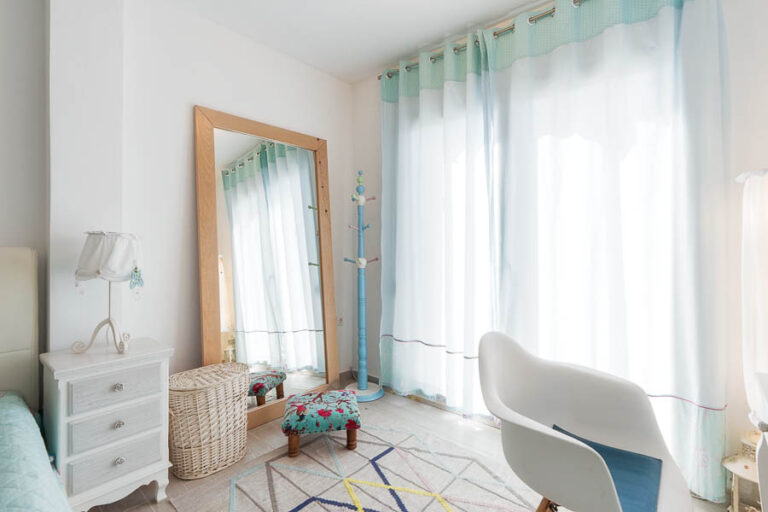
We balance colour across the entire image, even when the light comes from sources with different colour temperatures, such as lamps, daylight and LED strips. White walls remain white throughout the room, rather than yellow on one side and blue on the other.
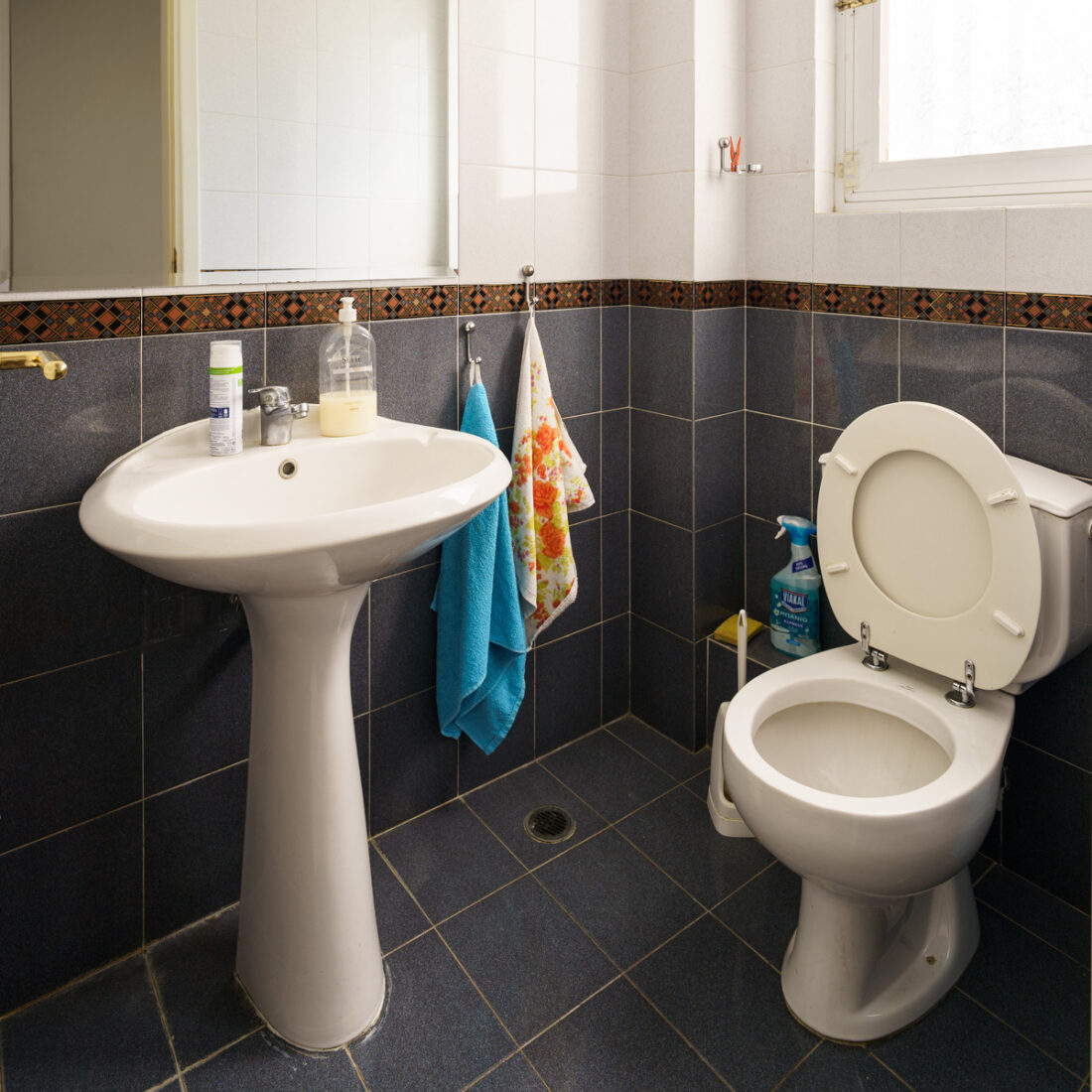
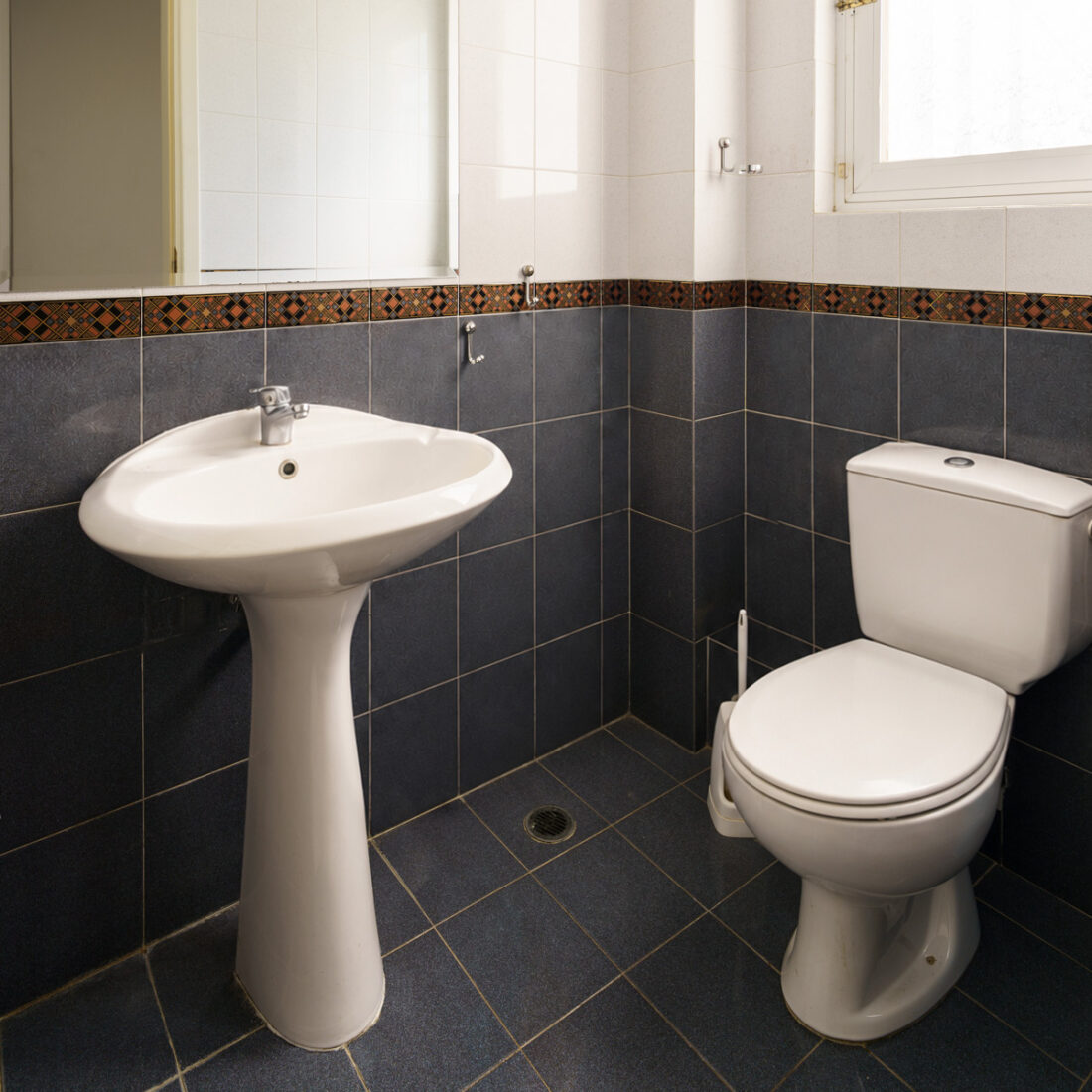
4. Retouching visible imperfections
We remove things that should not be in the frame: hanging cables, forgotten objects, the photographer's reflection in a mirror, and similar distractions. We do not change the characteristics of the space: we do not hide damage, make rooms look larger, or add features that are not there. This also protects you: Airbnb, for example, requires photos to be removed where digital editing hides damage or adds amenities that do not exist.
Which should you choose?
For most properties, we recommend specialised editing. Straight lines, even lighting and a clean frame make the space look the way it does in person, and that matters in every sales or rental listing.
The basic editing option is enough when:
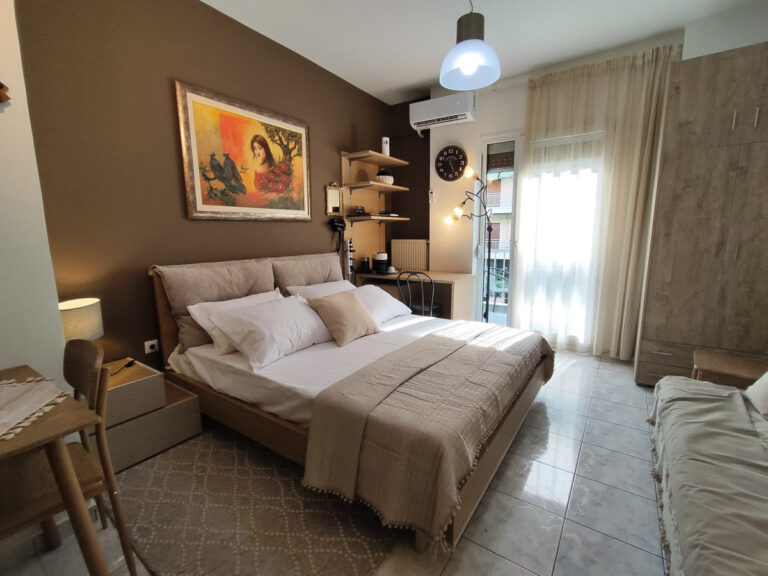
you are photographing a basement, storage space or older apartment that has not been renovated;
you have your own graphic designer who will edit the photographs;
you only need the photographs for information, for example for an initial estimate of the property's value or renovation cost.
If all editing will be done by your own graphic designer, you can choose “Not required”. You will then receive, according to your preference, RAW files or maximum-quality JPG files (100%).
Separate services
Two services are not included in either editing option:
Retouching on request, from €3 per photo: changes you specifically request beyond what is described above. We agree exactly what will be done with you in advance.
Image preparation for SEO, from €0.50 per photo: renaming the files according to your naming convention and writing alt text for each photograph.
Virtual staging
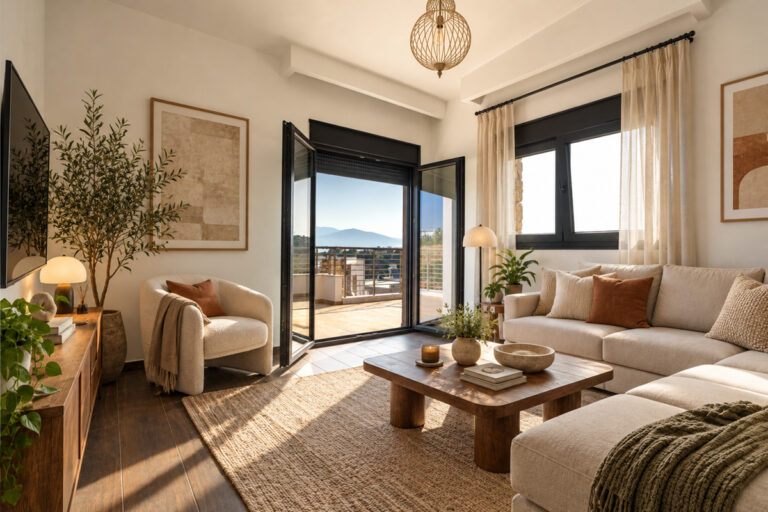
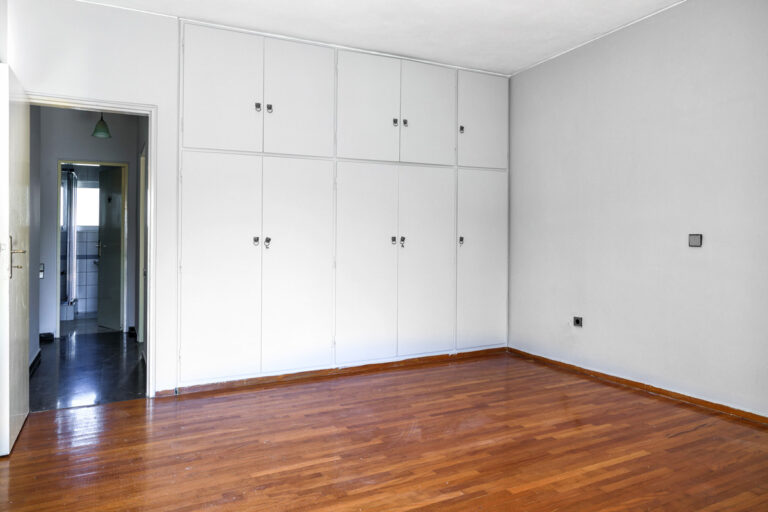
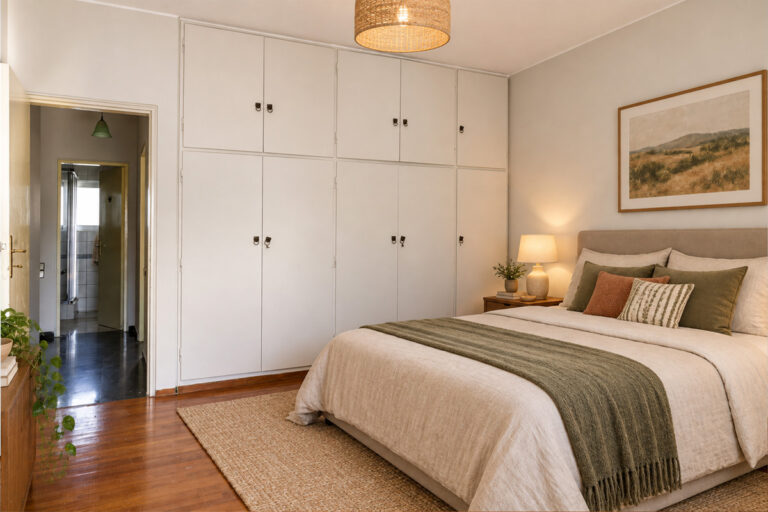
An empty room can be difficult to imagine as a home. With virtual staging, we can:
digitally furnish empty spaces;
add to or change the existing furniture;
remove furniture from the space.
It is good practice to state in the listing that an image has been virtually staged, so visitors know what they will see in person.
Beyond photographs
Photography is the foundation, but a property can also be presented in other ways:
360° panoramic photographs: visitors can look around the space and view it from every direction.
Virtual tours: visitors can move from room to room, with additional content inside the tour such as video, audio, images and animation.
Video: from a simple informational video shot with a smartphone and gimbal to footage produced with a professional camera and lenses, with narration or an on-camera presenter.
Drone photography and video: show the building, plot and surrounding area from above.
Neighbourhood presentation: photographs or video of things that cannot be seen from the property itself, such as beaches, shops, parking areas, leisure facilities and playgrounds. These are often only mentioned in the listing description; here, potential buyers or guests can actually see them.
You can find examples on our real estate photography page. Indicative pricing is available on our real estate photography prices page, while you can calculate an estimate for your own property using the price calculator.
What should you choose in the price calculator?
For the question “Do you need image editing?”:
“Specialised”: the option we recommend for most properties;
“Basic”: for basements, storage spaces, unrenovated properties, or photographs needed only for information;
“Virtual staging”: if you want us to furnish, change or remove furniture digitally;
“Not required”: if you only want the RAW or JPG files for your own graphic designer.
Retouching on request and SEO preparation are not calculated in the form. Add them in the “Comment” field and we will include them in the quotation. If you are unsure, choose the option that seems closest to your needs. We will review it with you before the photoshoot, and the final quotation will be based on what your property actually requires. Have questions? Contact us.